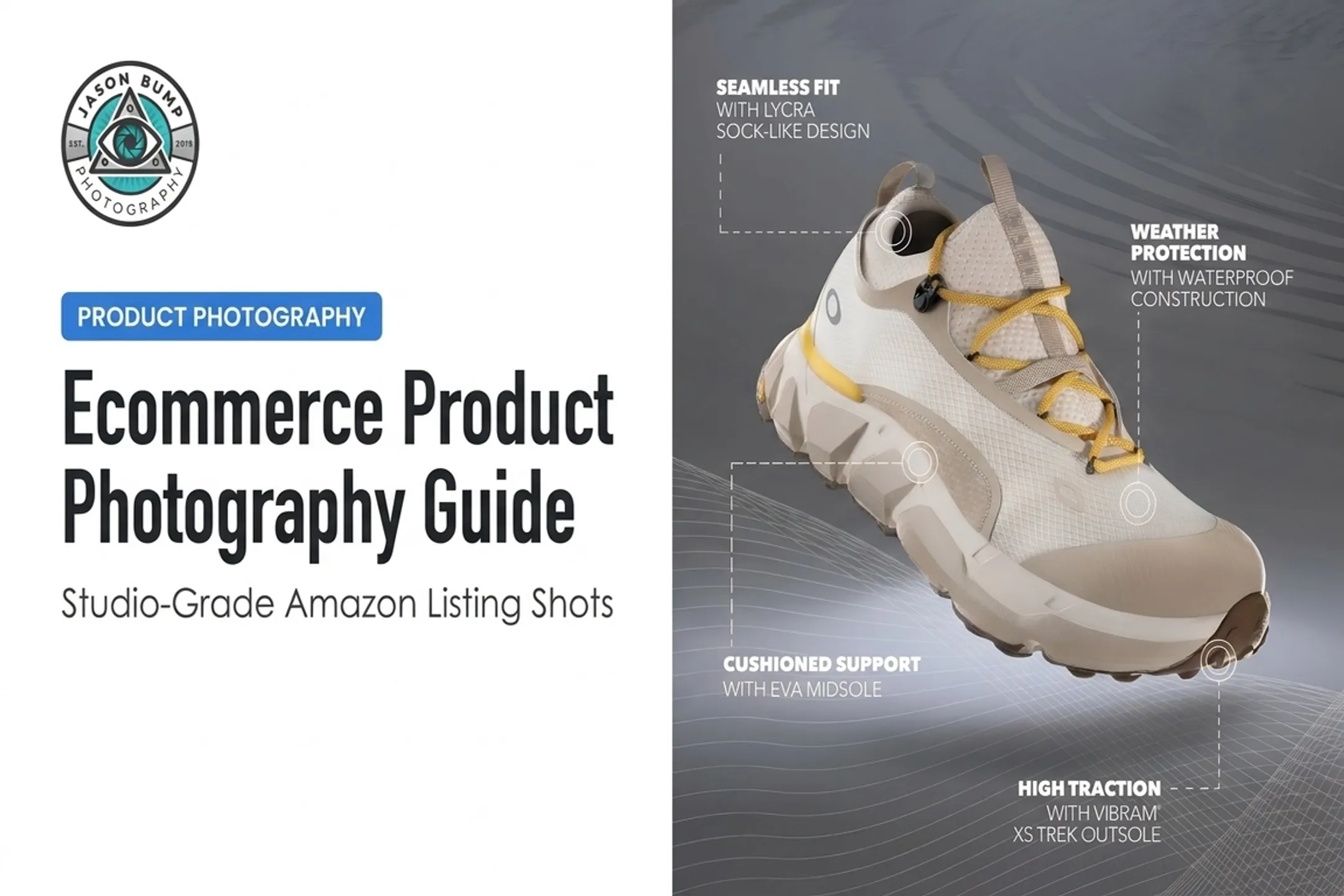

Many brands treat photography as an afterthought — a box to check before launching a listing or campaign. But generic, poorly lit, or inconsistent images create real problems: they weaken credibility, increase product uncertainty, and undercut otherwise solid marketing copy.
This guide covers why photography matters, where it fits across your marketing channels, how to build a strategy around it, and how to choose the right production approach for your budget and goals.
Key Takeaways
- Match photography to channel and journey stage to drive attention, trust, and conversion
- 90% of online buyers say photo quality is a crucial factor in their purchase decision
- 22% of returns happen because a product didn't look like its photo
- Custom photography outperforms stock when product accuracy and brand consistency matter most
Why Photography Matters in Digital Marketing
Attention, Comprehension, and Memory
People process an entire image in as little as 13 milliseconds, according to MIT research. Your image has to communicate instantly, before a visitor reads a word of copy.
Nielsen Norman Group's eye-tracking studies found that people scrutinize product photos and real-person images, while generic stock photography often gets ignored entirely. A photo showing your product in actual use does more work than three paragraphs describing its benefits.
This matters for intangible or complex offerings too. A service brand can show:
- The team behind the work
- The process, step by step
- The result a customer can expect
Trust, Emotion, and Brand Differentiation
Real images of your actual products, packaging, and people build credibility that stock photos can't fake. Stanford's Web Credibility research found that 46.1% of evaluators referenced visual design when judging a site's trustworthiness.
Consistency matters as much as quality. A CPG brand and an active-lifestyle brand shouldn't look the same — lighting, styling, and composition should reflect brand personality. Consider how different two approaches can be:
- Clean, bright packaging with contextual props — a nutrition bar beside a water bottle and gym gear — signals "fits your active life" for a CPG or supplement brand
- High-contrast studio light, bold color, and motion — think Adidas-style lifestyle portraits with red light and smoke — suit an active-lifestyle brand

Photography alone won't close a sale. It does decide whether customers see your brand as real, current, and worth trusting.
Conversion and Customer Confidence
Detailed product photography reduces uncertainty. Baymard Institute found that 56% of users' first action on a product page is exploring the images — before reading anything else.
The stakes are real. Salsify's 2025 consumer research found that 77% of shoppers use product images and videos when deciding to complete a purchase, while 42% have abandoned a cart due to low-quality visuals, and 71% have returned a product because the imagery misrepresented it.

The goal isn't attention for its own sake. Images should drive specific actions:
- Clicking through to a product page
- Adding an item to cart
- Submitting a quote request
- Completing checkout
Where Photography Fits in Digital Marketing
Websites and Ecommerce Experiences
Different pages need different image types:
- Homepage hero: Brand identity, aspirational lifestyle shots
- Product listing pages: Clean catalog views, consistent angles
- Product-detail pages: Multiple angles, close-ups, scale references, packaging, in-use shots
- About/testimonials: Real people, real locations
For Amazon and marketplace sellers, a full image set typically includes a pure-white hero shot, angle variations, detail close-ups, scale reference, and lifestyle context. Each platform has its own specs, so check requirements before shooting.
Social Media, Email, and Paid Campaigns
One photography session should fuel multiple formats, not the same image copy-pasted everywhere. A single shoot can produce:
- Square feed posts and carousels
- Vertical stories and reels (9:16 crop)
- Paid-ad variations for testing
- Email headers
- Behind-the-scenes content
Composition needs to shift with format. What works as a 4:5 Instagram post won't necessarily work cropped for a 9:16 story. Plan negative space and subject placement before the shoot, not after.
Content, Search, and Sales Enablement
The same shoot should also support channels beyond social. Original photography reinforces visual identity anywhere your brand needs to look consistent and credible:
- Blog posts and on-site articles
- Wholesale decks and retailer pitches
- Sales presentations and leave-behinds
Funnel-Stage Planning
Match those assets to the funnel so each stage gets the right kind of image:
- Awareness: Attention-grabbing lifestyle and identity imagery
- Consideration: Educational, product-in-context shots
- Conversion/retention: Detailed, proof-oriented product photography (angles, scale, texture)
A golf apparel brand, for example, might use an on-course lifestyle shot for awareness, a flat-lay with fabric detail for consideration, and a zoomed product shot showing stitching quality right before checkout.

How to Build a Photography Strategy That Supports Conversions
Define Audience, Purpose, and Success Criteria
Start with your customer and objective, not your preferred visual style. Are you solving for awareness, product understanding, lead generation, or sales?
Assign each image group a measurable KPI:
- Click-through rate on hero images
- Product-page engagement time
- Add-to-cart rate
- Completed purchases
Build a Visual Direction and Brand System
A solid creative brief documents mood, lighting, color treatment, backgrounds, props, wardrobe, and retouching style, plus examples of what to avoid. Consistent treatment across product, lifestyle, and social photography builds recognition without making every single image identical.
Plan the Shot List Before Production
Organize your shot list by product, use case, channel, and crop requirements. Include both essentials and optional creative variations. Plan for reuse: horizontal, vertical, square, and detail compositions all serve different placements later.
Connect Photography to Creative Direction
This is where pre-production planning pays off. A typical professional workflow looks like:
- Kick-off call: discuss goals, develop narrative concepts, confirm quote
- Planning phase: map storyline, shot list, locations, props, wardrobe, schedule
- The shoot: real-time collaboration and review
- Post-production: retouching, formatting, final approval
A photographer with creative-direction experience turns vague requests ("we need better photos") into usable, on-brand visual stories, not just technically correct images. That is the model Jason Bump Photography uses: Creative Director-led planning so every frame supports the conversion goal you set upstream.

Repurpose, Test, and Refresh the Asset Library
Organize your final assets by campaign, product, channel, and usage rights so your team can find what it needs quickly. Then test meaningful variables:
- Product-only vs. lifestyle imagery
- Image order on product pages
- Background and crop variations
Refresh assets when products, positioning, or campaign goals change. Stale imagery quietly erodes conversion rate even when the rest of the funnel is sound.
Choosing the Right Photography Production Approach
Custom Professional, DIY, or Stock
| Factor | Custom Professional | DIY | Stock |
|---|---|---|---|
| Brand specificity | High | Medium | Low |
| Product accuracy | High | Medium | None |
| Consistency | High | Variable | Low |
| Cost | Higher | Low | Low |
| Reusable asset library | Yes | Limited | No |
Professional photography earns its cost for product launches, ecommerce catalogs, paid campaigns, rebrands, and any situation where visual consistency directly affects trust.
When Lower-Cost Options Work
DIY photography has a place for:
- Behind-the-scenes social content
- Quick internal documentation
- Low-risk testing before committing to a full shoot
Keep DIY shots clean: stable composition, consistent lighting, simple backgrounds, and consistent editing.
Stock photography can work for abstract concepts or temporary editorial content. Avoid it for anything representing your actual product, team, or customer experience — that's exactly where generic imagery damages trust.
A Commercial Photography Example
US-based Amazon sellers and DTC brands without an in-house setup often need a ship-in model. Jason Bump Photography is one example: brands mail products to the Vista, California studio and get retouched, platform-ready images back.
Typical deliverables include:
- Amazon, Shopify, social, and print sizing
- Pricing from $39 per image ($300 minimum order)
- Product work plus lifestyle and brand campaign shoots
The same studio produces product, portrait, active-lifestyle, and social imagery for brands like Puma Golf, Oakley, and Crocs. Pairing the shoot with creative direction turns a vague photo request into assets you can reuse across channels. Choose this route when consistency and conversion matter more than keeping costs at DIY or stock levels.

Optimize, Govern, and Measure Your Visual Assets
Technical SEO, Accessibility, and Performance
Google recommends descriptive filenames and alt text that describe an image's content and function for both search and screen readers, not keyword-stuffed labels. On the performance side:
- Use responsive image delivery (
srcset) with a fallback - Compress files without sacrificing visible detail
- Consider modern formats like WebP where supported
- Test that images don't slow down mobile load times
Rights, Consistency, and Asset Governance
Before publishing, confirm:
- Copyright and usage scope (channels, territory, duration)
- Model and property releases where required
- Restrictions on paid-media use or resale
A simple governance system that tracks approvals, version control, and metadata prevents outdated or non-compliant images from resurfacing in future campaigns.
Measurement and Continuous Improvement
Match your reporting to the original objective. A hero image meant to drive awareness shouldn't be judged solely on conversion rate. A product-detail image, on the other hand, should be measured against add-to-cart and purchase data.
Use analytics and controlled testing to decide which image styles, crops, and placements to keep, revise, or retire. Likes and impressions alone won't tell you whether the photography is moving the metric you set.
FAQ
How often should a brand refresh its product photography?
Refresh when products, packaging, or brand positioning change, not on a fixed calendar. Outdated imagery causing returns or confusion is a signal to prioritize a refresh sooner.
Can I mix professional photography with stock images?
Yes, but reserve stock for abstract or temporary content. Never use stock to represent your actual product, team, or customer experience.
What's the minimum image set for an Amazon listing?
Amazon recommends at least one compliant main image plus six additional images and a video. A full listing set typically includes hero, angle, detail, scale, and lifestyle shots.
Does image quality really affect returns?
Yes. Research shows 22% of online returns happen because a product didn't match its photo.
How do I know if my photography is working?
Match measurement to purpose. Track click-through for hero images, engagement time for product pages, and add-to-cart or conversion rates for detail shots.